
Maintenance Guide
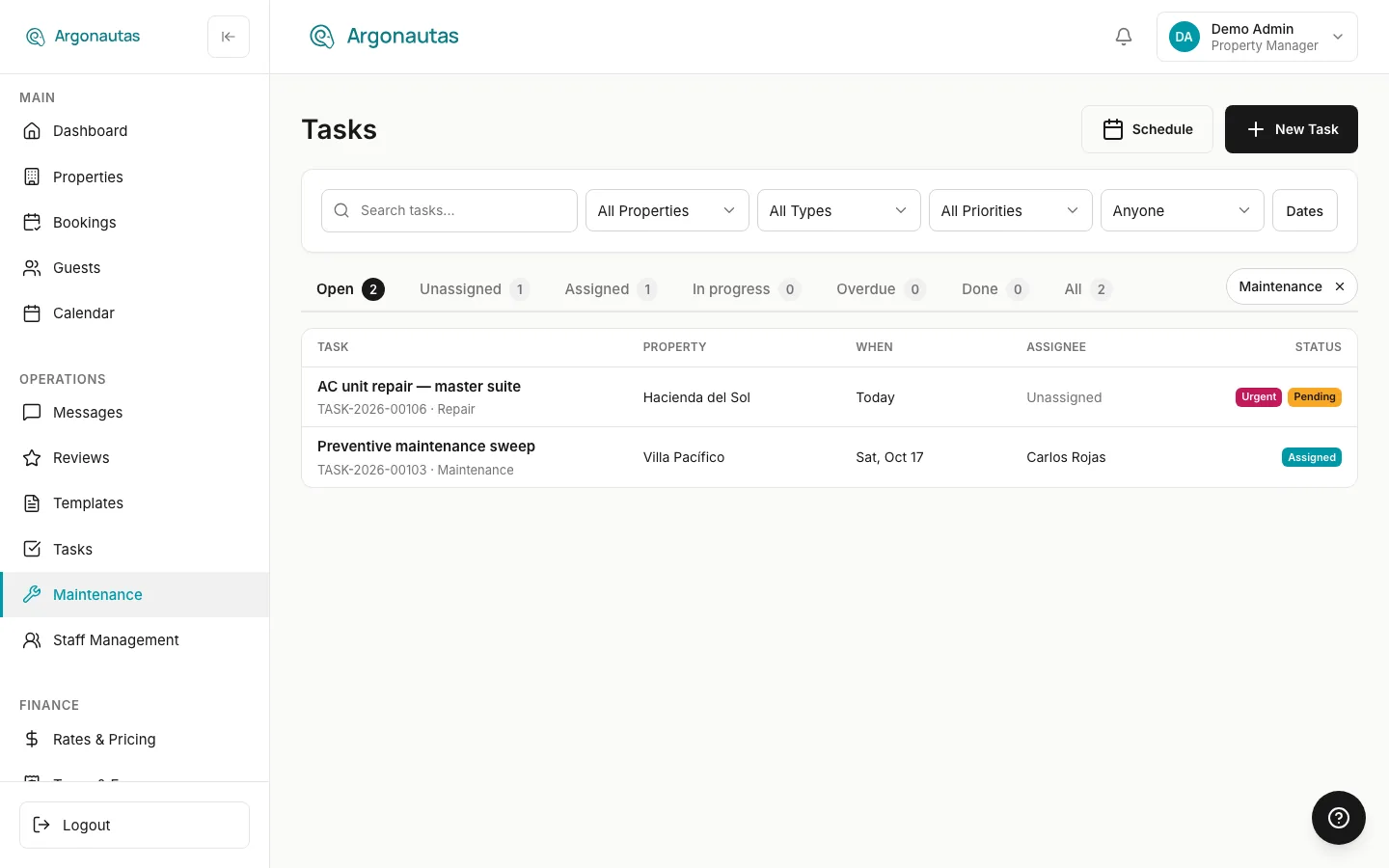
Maintenance work in Argonautas is tracked as tasks. The Maintenance link in the sidebar opens the Tasks board filtered to maintenance work, so you can see every open repair at a glance.
What Counts as Maintenance
The Maintenance view shows tasks of these types:
- Maintenance
- Repair
- Preventive Maintenance
Pool Service, Garden Maintenance, and Inspection tasks have their own types and don't appear here. Find them with the All Types filter on the board.
Logging a Repair
- Open Tasks and click New Task.
- Enter a clear Title, for example "AC unit repair, master suite".
- Set Task Type to Repair, Maintenance, or Preventive Maintenance.
- Set the Priority (see below).
- Choose the Property, the Scheduled Date, and who to Assign To.
- Describe the problem in Description, or add steps under Checklist.
- Click Create Task.
The assignee is notified, and the task appears in the Maintenance view. Staff can add Issue and After photos and completion notes from the staff portal.
Choosing a Priority
| Priority | Use it for | Example |
|---|---|---|
| Urgent | Safety or habitability problems. | Breaker tripping repeatedly; gas smell. |
| High | Guest comfort affected, fix within a day. | A/C not cooling in an occupied villa. |
| Normal | Fix within a few days. | Worn weather stripping on the front door. |
| Low | No guest impact, schedule when convenient. | Touch up paint on the garden wall. |
Working the Maintenance View
- Open the Overdue tab to see repairs past their date.
- Use All Properties to see one villa's repair history on the All tab.
- Remove the Maintenance chip to go back to every task.
Related
- Task Management: The Tasks board in full.
- Work Orders: How work orders relate to tasks.
- Staff Management: The team who handles maintenance.
- Staff Reports: Completion and labor metrics.